What You Can (and Can't) Change
The golden rule of homebrewing in this system: everything in this section is point-and-click. No coding, no modules, no editing files. If a page in the Homebrewing section describes it, you can build it with sheets, fields, and buttons inside Foundry, using the same tools the official content is built with.
You can do all of this without touching code
- Custom weapons, armor, and gear with working attack rolls, damage, and properties, indistinguishable from pack items at the table.
- Custom spells, including upcasting, with the same casting flow as the official spells.
- Full custom monsters: standard NPCs, minions, and solo bosses, complete with their own attacks and abilities.
- Complete character options: whole classes, subclasses, ancestries, backgrounds, and boons, delivered through the same character creator and level-up flow as the official ones.
- Passive bonuses to stats, armor, speed, skills, saving throws, and maximum hit points (and more, such as damage, initiative, and wounds).
- Granting things automatically: an item or feature that gives the bearer other items, spells, proficiencies, or new movement types like flying or swimming.
- Condition immunity: creatures or items that make their owner immune to specific conditions.
- Conditions applied on a hit: a blade that dazes on a crit, a monster attack that poisons.
- Charges and dice pools: limited-use abilities that track and spend their own resource.
- Inline roll buttons in any description: clickable skill checks, saving throws, and condition links right in the text.
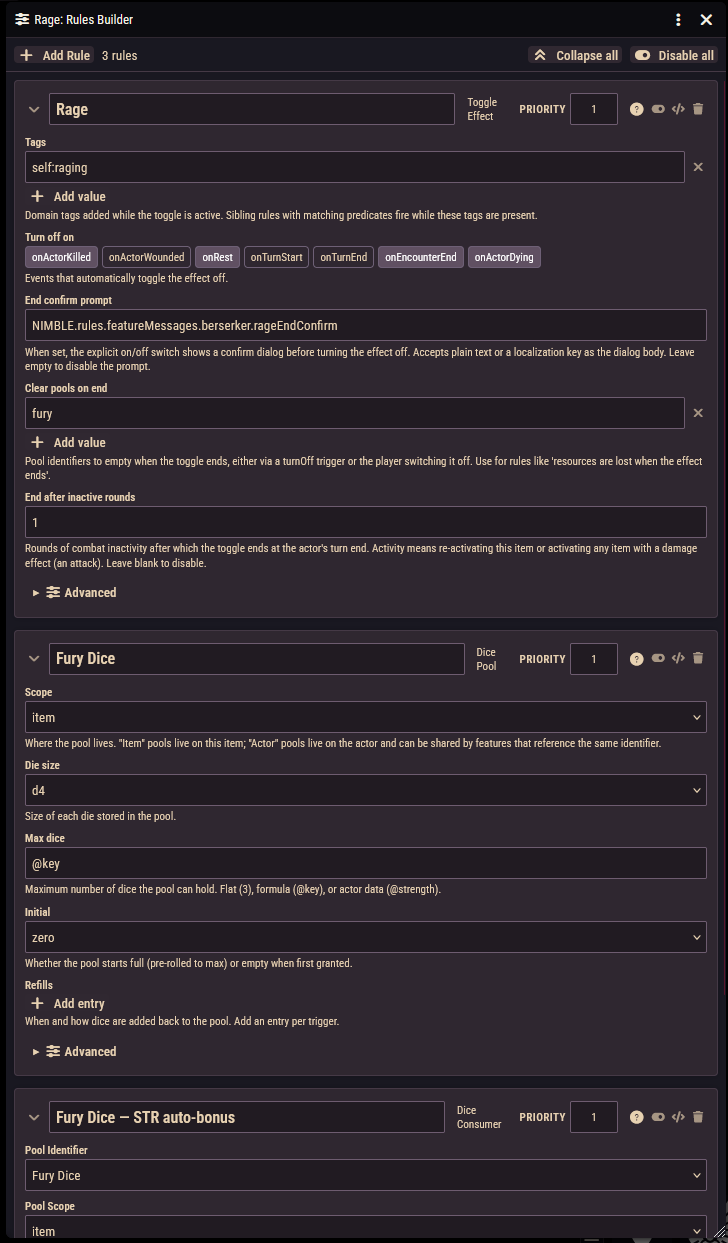
All of the automatic behavior above is powered by rules that you attach to items with the Rules Builder, and each rule can carry conditions (the Condition box) so it only applies when you want it to: while bloodied, while the item is equipped, and so on.
You can't (without a module or code changes)
Being honest about the edges saves you time:
- New condition types. The list of conditions is fixed; you can automate and grant the existing ones but not invent new ones.
- Brand-new rule types. You combine the rule types the system ships with; you can't define a new kind of rule from inside Foundry.
- Changing the core dice math. How attacks, saves, and criticals resolve is built in.
- New sheet layouts. You can't rearrange or redesign the character and monster sheets.
- New actor kinds beyond character, NPC, minion, and solo monster.
If you genuinely need one of these, it's a feature request: bring it to the GitHub issues page or the Discord.
Homebrew safely
Never edit compendium packs directly: system updates replace their contents, and your changes with them. Instead, drag (or duplicate) the closest official example into your world and modify the copy. This has a second benefit: starting from working official content is the fastest way to learn how anything is built. Open a pack item's sheet, look at its rules and activation, and copy the pattern.
Reverse-engineer the packs
Stuck on how to build something? Find an official item that does something similar and open it. Every trick in these pages is used somewhere in the shipped content.
Where to go next
| I want to make... | Read |
|---|---|
| A weapon, armor, shield, or piece of gear | Items & Equipment |
| An item or feature that does something when used | Activations |
| A spell (including upcasting) | Spells |
| A monster, minion, or solo boss | Monsters |
| A class, subclass, ancestry, background, or boon | Character Options |
| Clickable roll buttons inside descriptions | Inline Roll Buttons |
| Automatic effects on any of the above | Rules Builder |
| A rule that only applies sometimes | Conditions (the Condition box) |
Values that scale, like @level | Formulas |